

Seçkin Üye
In this guide we'll walk you through the best and easiest way to properly update hardware drivers on your computer.
lets get started after you download and install DriverPack and run it
you will see this page.
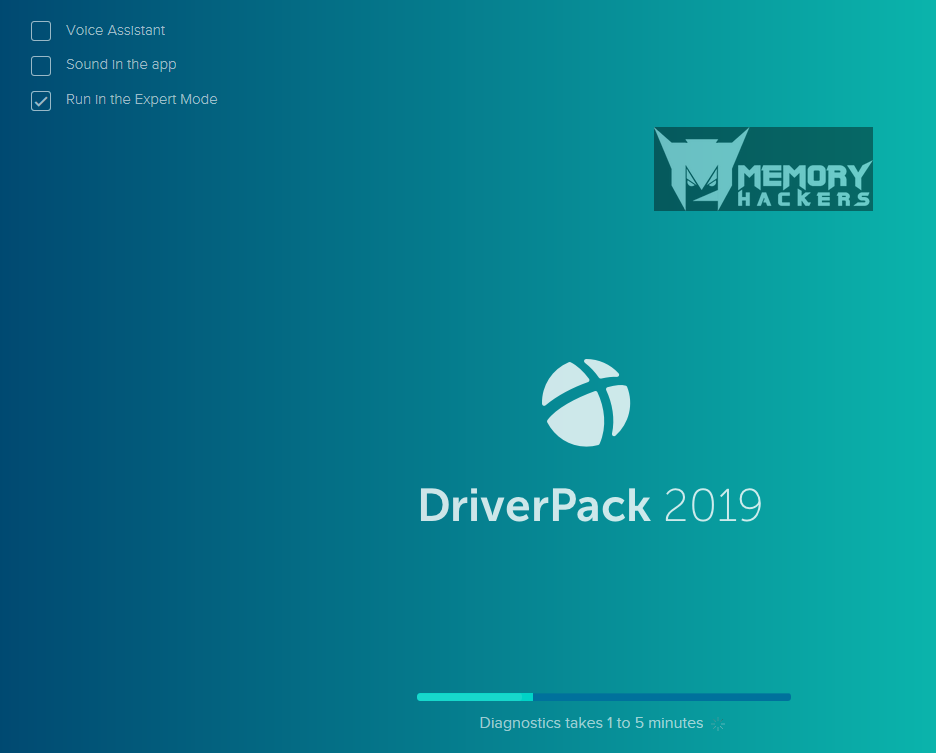
DriverPack checking your computer configurations.
before the Checking ends from the left top
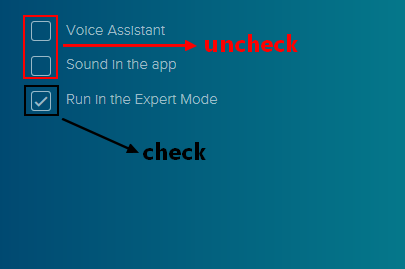
Uncheck Voice and Sound because its annoying

and Check Expert Mode
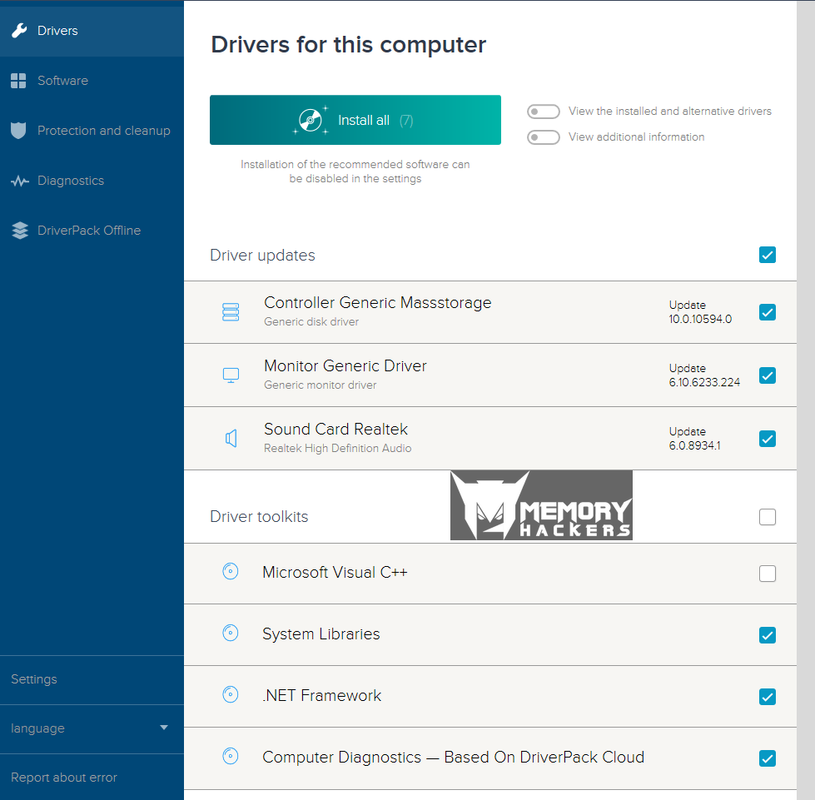
this how the main page looks like after the checking done. from the top left again
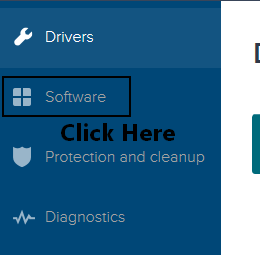
click software
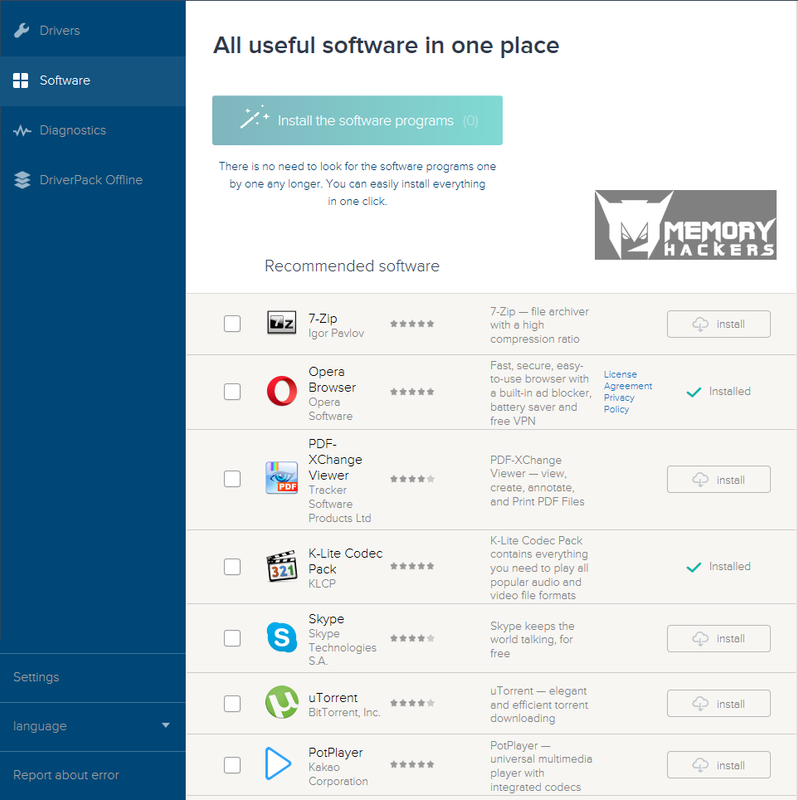
Here you can check any software you would like to install after you done back to drivers
from top left
back to the main page here you can see what drivers you can update or missing drivers
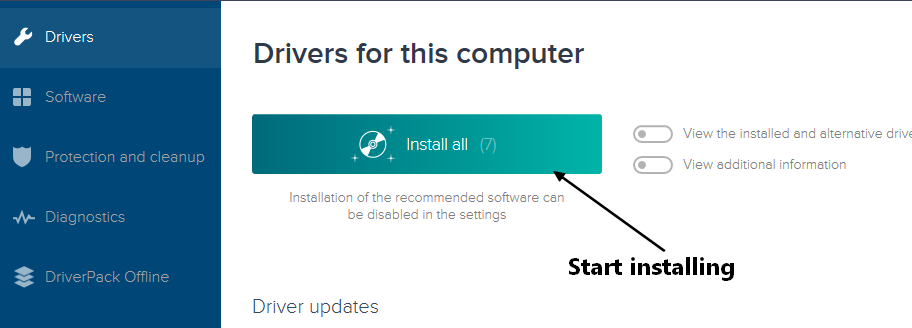
Press Install All and wait until the download and install done.
you will get a Message that everything is done and you should restart you computer
DOWNLOAD
Official Site:
Bağlantıları görmek için lütfen
Giriş Yap
Size: 6.4MB
Licence: free
Moderatörün son düzenlenenleri:


