Üye
thx bro
ooooooooooooooo
Post automatically merged:
ooooooooooooooo


thank you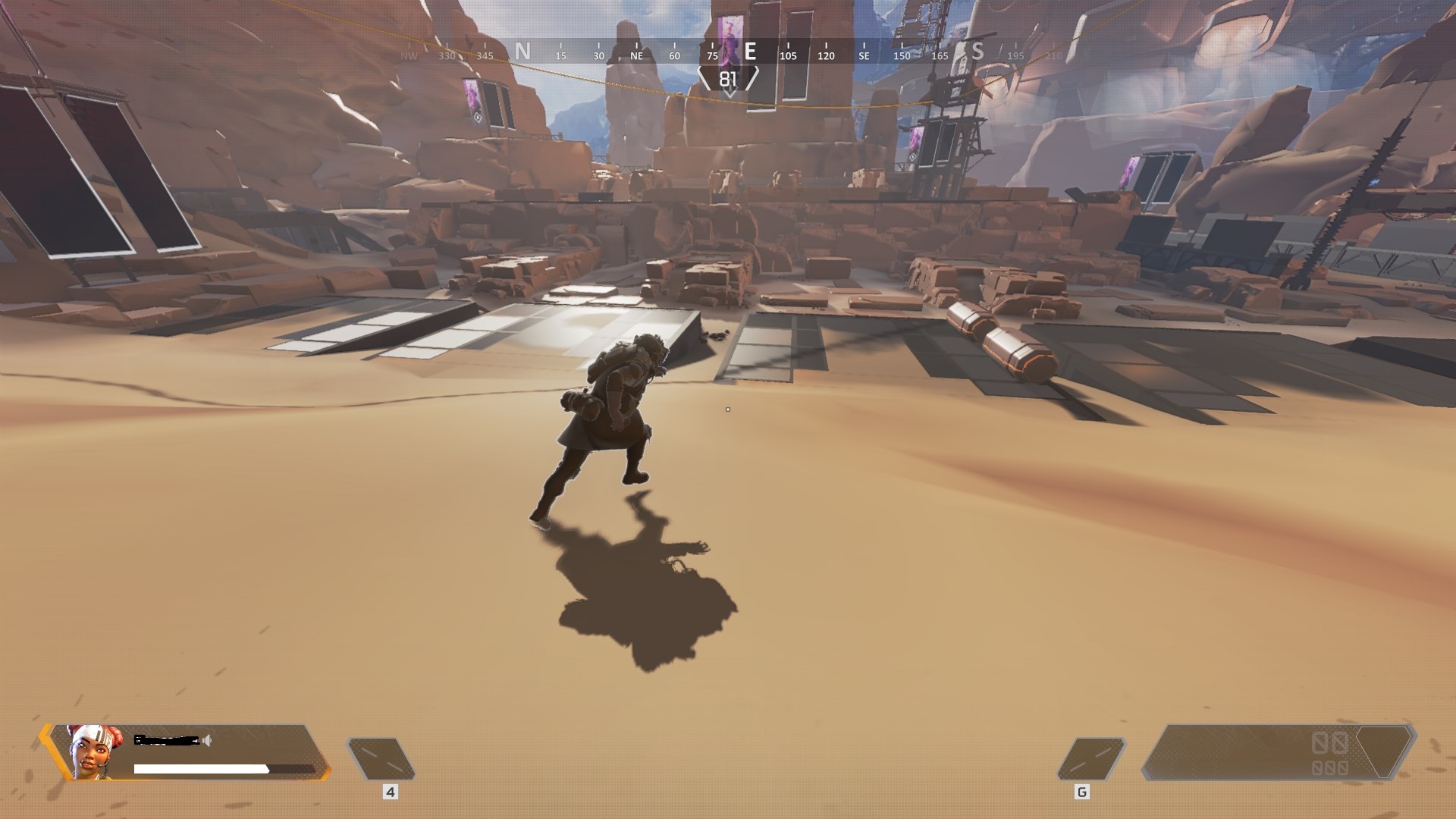
TR
1. Nvidia Inspector 2.1.2.0'ı indirin
2. nvidiaProfileInspector.exe'yi açın
3. "Apex Legends" Profilini Seçin
4. Gösterilen Kısmı değiştirin (aşağıda)
5. Değişikleri uygulayın
EN
1. Download Nvidia Inspector 2.1.2.0
2. Launch nvidiaProfileInspector.exe
3. Choose profile "Apex Legends"
4. Change the following:
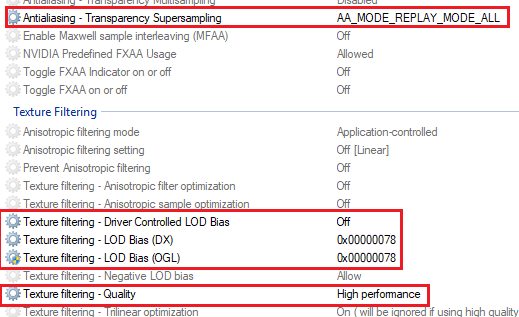
5. Press "Apply Changes"
6. Profit


tested, works great!
TR
1. Baixe o Nvidia Inspector 2.1.2.0
2. Abra nvidiaProfileInspector.exe
3. Selecione o perfil "Apex Legends"
4. Altere a parte mostrada (abaixo)
5. Aplique as alterações
DENTRO
1. Baixe o Nvidia Inspector 2.1.2.0
2. Inicie o nvidiaProfileInspector.exe
3. Escolha o perfil "Apex Legends"
4. Altere o seguinte:
5. Pressione "Aplicar alterações"
6. Lucro


